Customer Experience
How Coaches Share Content with Clients
February 19, 2026
8 min read
How Coaches Share Content with Clients
Coaching success relies on what happens between sessions. Sharing resources like videos, PDFs, or trackers ensures clients can apply lessons and stay engaged. Here's how coaches effectively share content:
- Organized Libraries: Group materials by topic (e.g., onboarding, nutrition) for easy access.
- Device Compatibility: Use universal formats like PDF, MP4, and MP3 to ensure smooth usage across devices.
- Centralized Platforms: Store and share materials in one place to save time and maintain professionalism.
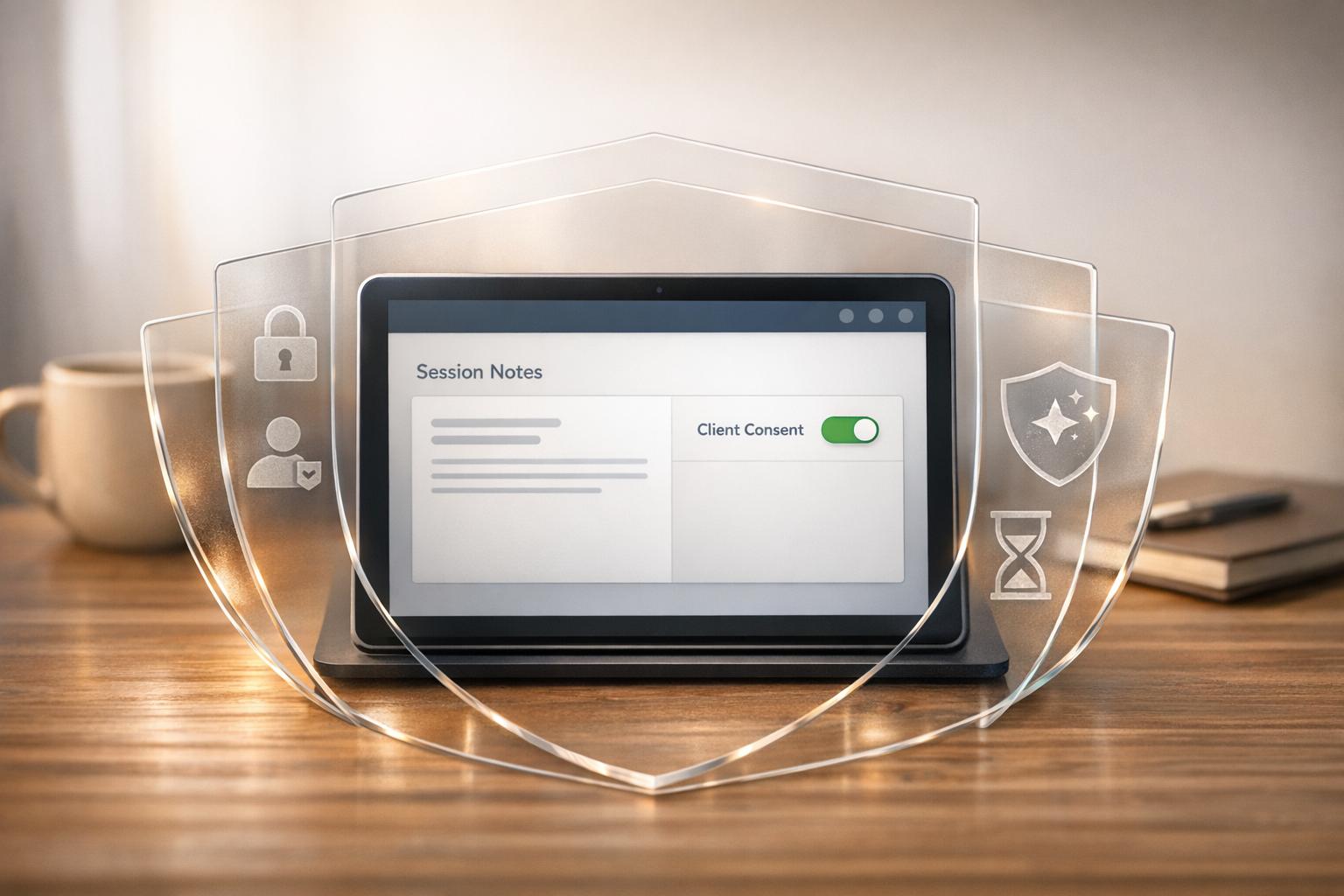
- Secure Sharing: Use view-only links, passwords, and expiration dates to protect sensitive files.
- Track Engagement: Monitor how clients interact with content to refine your approach.
These methods enhance client experiences and keep your coaching streamlined and secure.
Preparing Content for Client Access
Organizing Content by Topic or Goal
Picture your content library as a well-organized filing cabinet. Group related resources into categories like onboarding materials, nutrition guidelines, workout programs, or recovery tips. Use centralized hubs such as "Collections" or "Vaults" to make navigation easier for clients. This structure ensures clients can quickly locate exactly what they need.
To keep things even more streamlined, number your files (e.g., "01_Welcome Video", "02_Week 1 Tasks") so they appear in a logical order. For longer programs, consider using drip delivery to release content gradually. This prevents clients from feeling overwhelmed by too much information at once.
Making Content Work Across All Devices
Once your content is neatly organized, ensure it’s accessible and functional on any device. Clients will likely use a mix of smartphones, tablets, and computers to view your materials. Choose universally compatible file formats - like PDF, MP4, MP3, DOC, or XLS - for seamless access. PDFs, in particular, are a solid choice because they maintain their formatting across all devices, from an iPhone to a desktop.
When it comes to videos, avoid uploading raw files directly to your coaching platform. Instead, embed links from platforms like YouTube, Vimeo, or Loom. This method not only prevents playback problems and avoids file size restrictions (some platforms limit uploads to 256MB) but also ensures videos load quickly, even on mobile. The same goes for large audio files - embedding them keeps your platform running smoothly while enabling instant access for clients, without requiring downloads.
sbb-itb-3c06305
Methods for Sharing Content with Clients
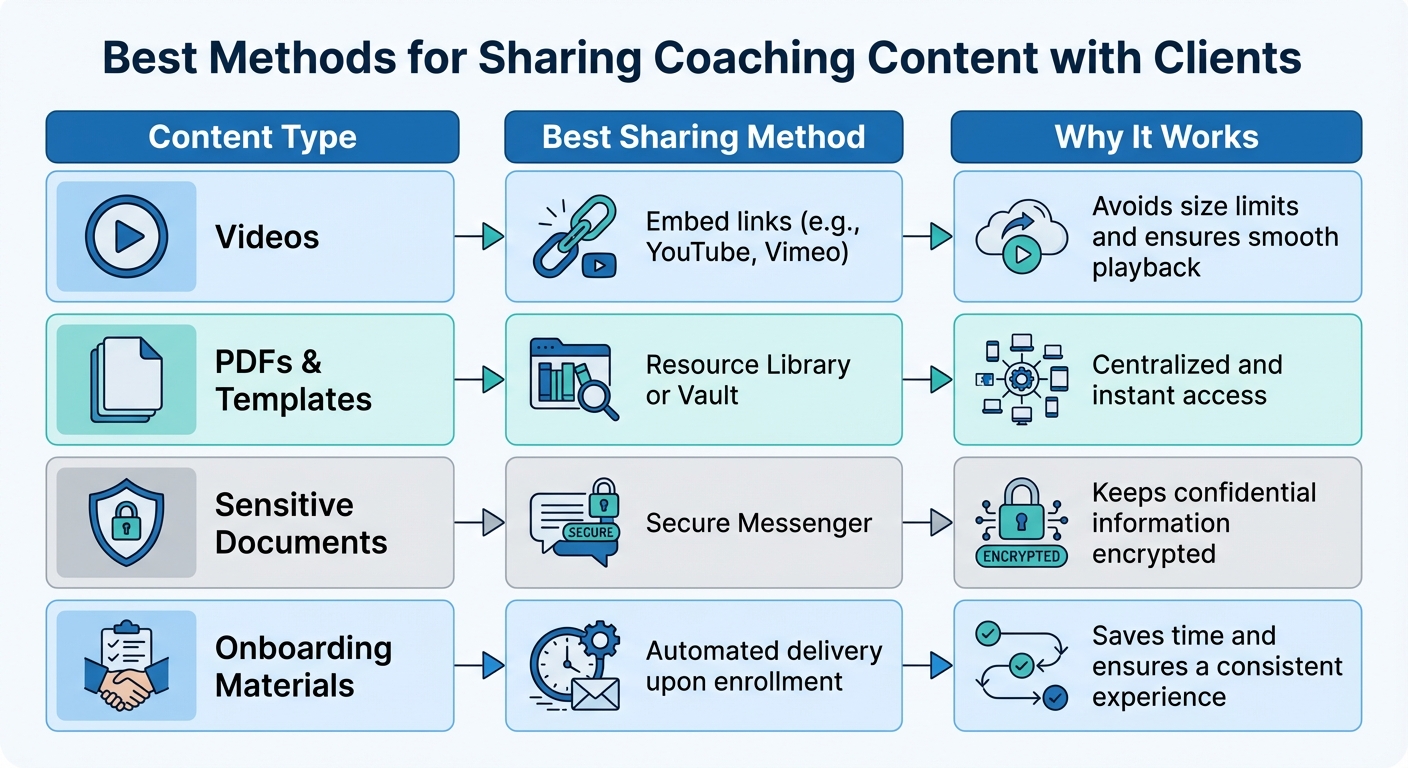
Best Methods for Sharing Coaching Content with Clients
Once you've organized your content, the next step is figuring out how to share it effectively. The goal is to make sure clients can access everything they need, no matter the device they're using.
Sharing Content via Email and Direct Messaging
Email is a quick and familiar way to send files, but let’s face it - documents can easily get buried in a sea of messages. For sensitive files, like lab results or signed contracts, it’s better to use your platform’s secure messenger. This keeps everything in one place and adds an extra layer of security.
For smaller files, attaching them directly to an email or message works fine. But when it comes to larger files or videos, it’s smarter to share cloud links from platforms like Google Drive or Dropbox. This avoids attachment size limits and ensures clients can access the content without any hassle, regardless of their device.
Using Platform Features for Centralized Sharing
If you want to streamline the process, centralized coaching platforms are a game-changer. These tools let you store and share resources all in one place, saving time and keeping things organized.
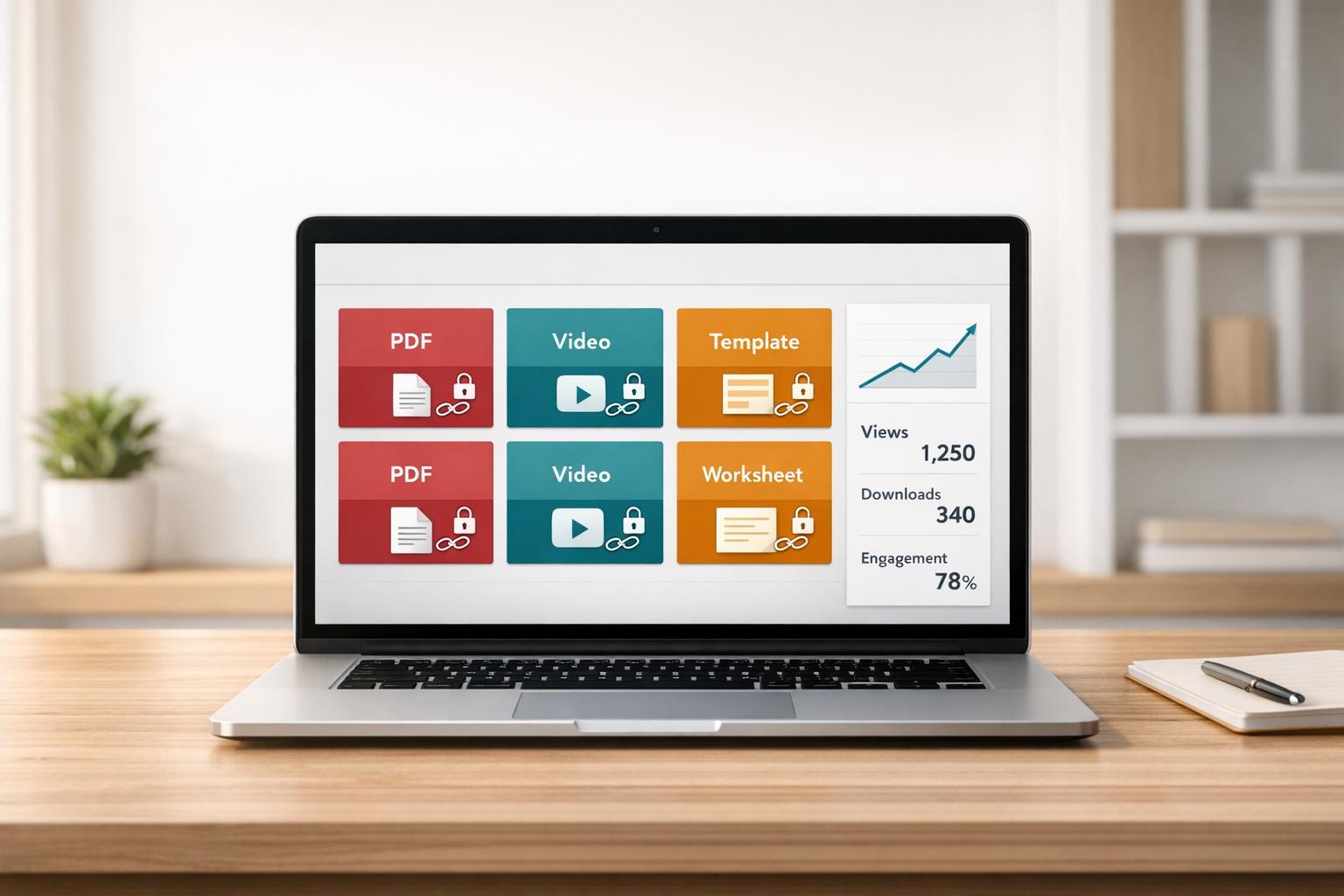
Many coaching platforms come with a resource library or vault where you can upload materials like PDFs, templates, or worksheets. Once they’re uploaded, sharing them with a single client - or even your entire client base - takes just a few clicks. Plus, platforms often offer storage plans ranging from basic to premium, so you can choose what fits your needs.
Another huge perk? Automation. For example, you can set up your system so that new clients automatically receive welcome packets and onboarding materials right after signing up. If your platform integrates with cloud storage, any updates you make to documents will automatically sync for all clients. That’s efficiency at its best.
Adding Content to Coaching Sessions
Reinforce your coaching sessions by attaching relevant files directly to session notes or follow-up messages. Let’s say you’re discussing a nutrition plan during a call - you can include the updated meal template in the session notes so clients can easily refer back to it later. This approach ensures they have the right information exactly when they need it.
For platforms with built-in recording tools, live sessions are automatically saved in the client’s resource library. This makes it easy for clients to revisit past conversations whenever they need a refresher - all without leaving the platform.
| Content Type | Best Sharing Method | Why It Works |
|---|---|---|
| Videos | Embed links (e.g., YouTube, Vimeo) | Avoids size limits and ensures smooth playback |
| PDFs & Templates | Resource Library or Vault | Centralized and instant access |
| Sensitive Documents | Secure Messenger | Keeps confidential information encrypted |
| Onboarding Materials | Automated delivery upon enrollment | Saves time and ensures a consistent experience |
Best Practices for Secure and Trackable Content Sharing
Sharing content securely is a must, especially when dealing with proprietary coaching materials, templates, or client-specific information. The stakes are high - over 60% of businesses report intellectual property theft due to unsecured files, and 82% of data breaches are linked to human error via email. A simple email attachment just doesn’t cut it anymore.
Setting Permissions and Access Controls
Once you send an email attachment, you lose all control over what happens next. That file can be forwarded, downloaded, or shared without your consent. A better solution? Use view-only links. These links allow clients to view materials directly in their browser while disabling downloads, printing, or copying. This approach keeps your intellectual property safe while still giving clients the access they need.
To add extra security, include features like password protection and expiration dates. Passwords ensure only the intended recipient can open the link, while expiration dates automatically cut off access after your coaching program ends. For highly sensitive materials, consider platforms with screenshot protection - tools like HelpRange can blur content if someone attempts to capture it. And if there's ever a security concern, some platforms even offer a "panic button" to immediately revoke access or block downloads. Monitoring client interactions with these tools is just as critical - it helps you stay informed about how your content is being used.
Tracking Client Engagement with Analytics
Understanding how clients interact with your content goes beyond knowing whether they've opened it. By replacing email attachments with trackable links, you can see exactly which pages were viewed and how much time was spent on each section. This insight helps you identify which parts of your content resonate and which are being overlooked.
Features like real-time alerts let you know the moment a client opens a resource, making it easier to follow up while the material is still fresh in their mind. Some tools even provide engagement heatmaps to show which sections of a document captured the most attention. For example, if a client spends ten minutes on your goal-setting worksheet but skips the accountability section, you'll know what to emphasize in your next session.
Keep an eye out for red flags as well. Unusual activity, such as multiple downloads from unexpected locations or access at odd hours, could signal unauthorized sharing. To prevent this, require email verification or use unique access tokens for each recipient. These measures not only protect your content but also give you valuable insights to enhance your coaching strategy.
Conclusion
The way you share content can directly influence client outcomes and elevate your coaching practice. Shifting from outdated methods to a centralized system ensures materials are easily accessible, reducing the risk of losing important resources. As Practice Better highlights:
"The information that you share with your clients can be a powerful tool that keeps them informed and empowered to make better decisions when it comes to their well-being".
But it’s not just about staying organized. Features like security and tracking are critical for a truly effective sharing strategy. By analyzing engagement data to see how clients interact with your resources, you can refine your approach and focus on areas where they may need extra guidance.
Automating tasks like delivering resource packages upon enrollment, scheduling content to be shared over time, and enabling two-way sharing can help streamline your workflow and enhance your professional image. As CoachRx puts it:
"It's the small touches like this that compound and equal a better, more professional client experience."
FAQs
What’s the best way to share videos without upload limits?
Coaches looking to share videos without worrying about upload limits can turn to cloud-based platforms like Vimeo and Dropbox.
Vimeo allows uploads in multiple formats, including 8K and HD, and offers features like private links and password protection to control access. On the other hand, Dropbox supports file sharing of up to 100 GB and provides options like secure storage and link sharing.
Both platforms make it easy to share high-quality videos quickly and securely, eliminating the hassle of email attachment limitations.
How can I prevent clients from downloading or forwarding my files?
To keep clients from downloading or forwarding files, you can use tools designed to control access and usage. These tools let you:
- Lock files to specific users or devices.
- Disable downloads entirely.
- Set expiration dates for file access.
Another option is view-only sharing technology, such as server-side rendering. This approach streams files securely, making it possible to view the content without allowing downloads. These strategies are effective for safeguarding your content and reducing the risk of unauthorized sharing.
How do I know if clients actually used the resources I sent?
Tracking client engagement has never been easier, thanks to tools that monitor actions like file downloads, views, and link activity. These tools give you a clear picture of when and how clients interact with shared resources, such as PDFs or links. Some platforms go a step further by offering detailed insights - like how much time a client spends on specific pages. This kind of data allows coaches to verify resource usage and follow up in a more targeted and meaningful way.